Settings
Configure and manage your Desktop Modeler application and plugin preferences and defaults via the Settings window.
Manage Desktop Modeler settings
Open the Settings window either from the application menu or by using the Cmd/Ctrl + , keyboard shortcut.
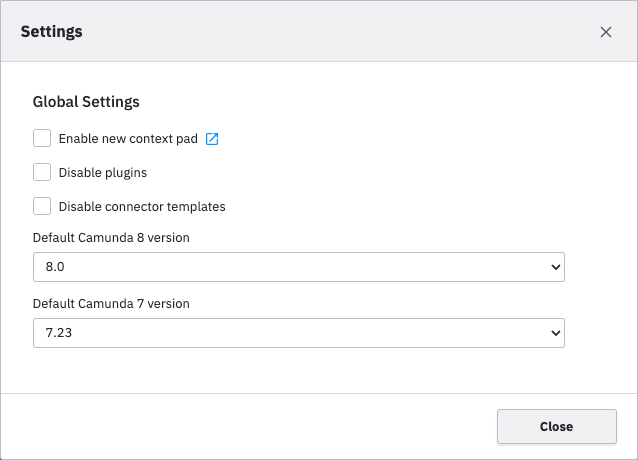
- Changes are saved automatically. If a restart is required to apply your changes, a warning is displayed.
- Open additional documentation links for a setting by clicking the blue icon next to the setting name.
Settings JSON file
Your settings are saved in a settings.json file in the user data directory.
note
Only the settings you have changed are stored in this file.